Most of the calls a marina office takes are the same handful of questions. What do I owe? When is my boat coming out? Did you get my insurance? Can someone look at the shore power on my slip? Each one pulls someone away from the desk to look it up.
My slip answers them before the phone rings. It's the boat owner's side of SlipRight, on their phone or in any browser, and it shows them the same marina the office sees: their slip, their contract, their bills, their haul-out day, and a thread with the office.
Their slip, on your map
The first thing a boat owner sees is their slip on your marina's aerial photo, with the dock, the slip size, the boat, the contract period, and the rate. A second boat stays on the same name, a winter spot shows beside the summer slip, and a boat owner at two marinas sees both in one place.
The season's contract, signed on their phone
When the office sends the season's offer, the owner sees exactly what you sent: the slip, the season, the services, and the haul-out and launch weeks. They attach their boat, pick the services they want, choose a payment plan, type their legal name, and accept. They see the offer you sent, no blank form twice a year, and the signed PDF stays in My slip for them to keep.
Bills they can pay, and stop thinking about
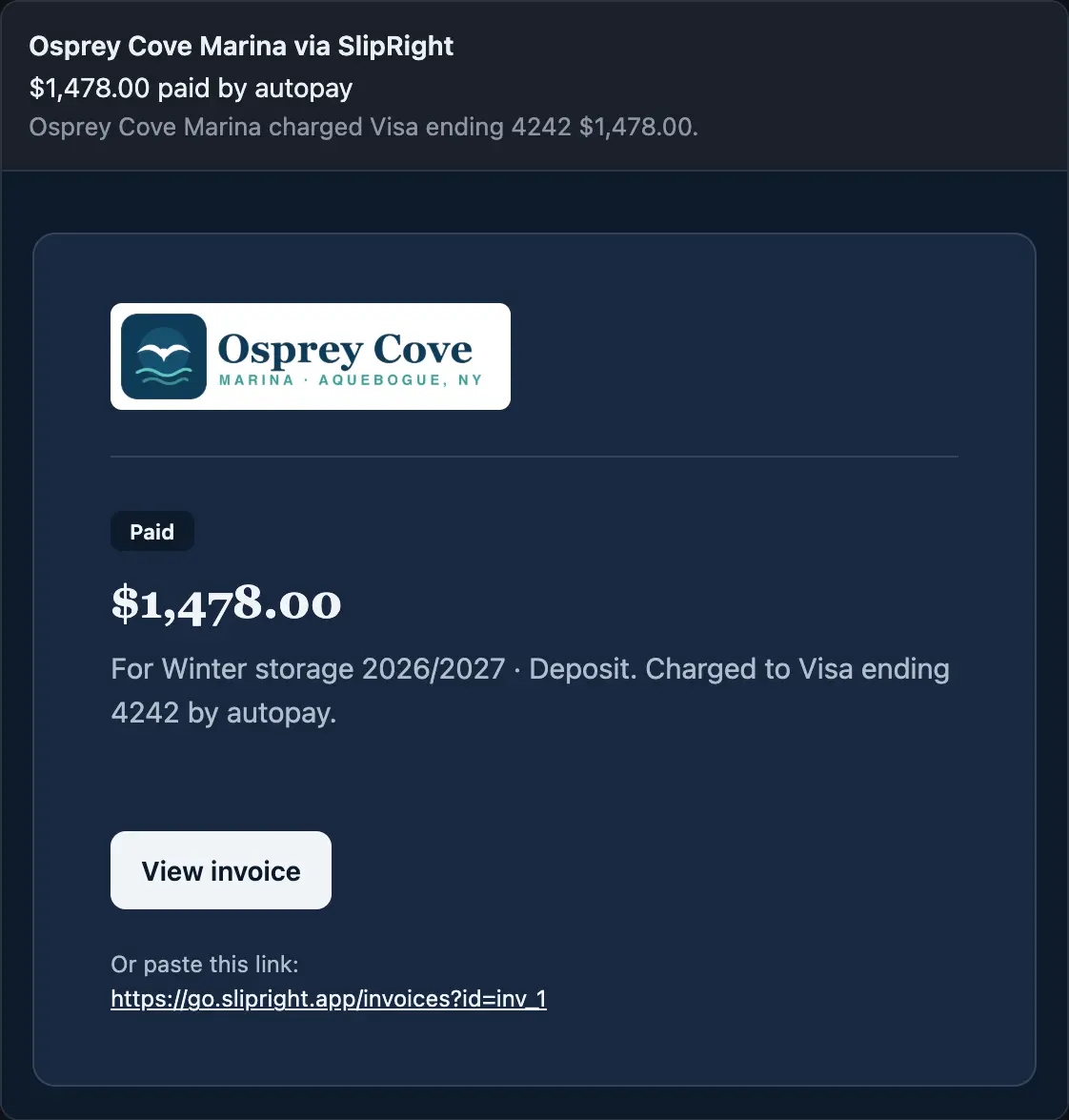
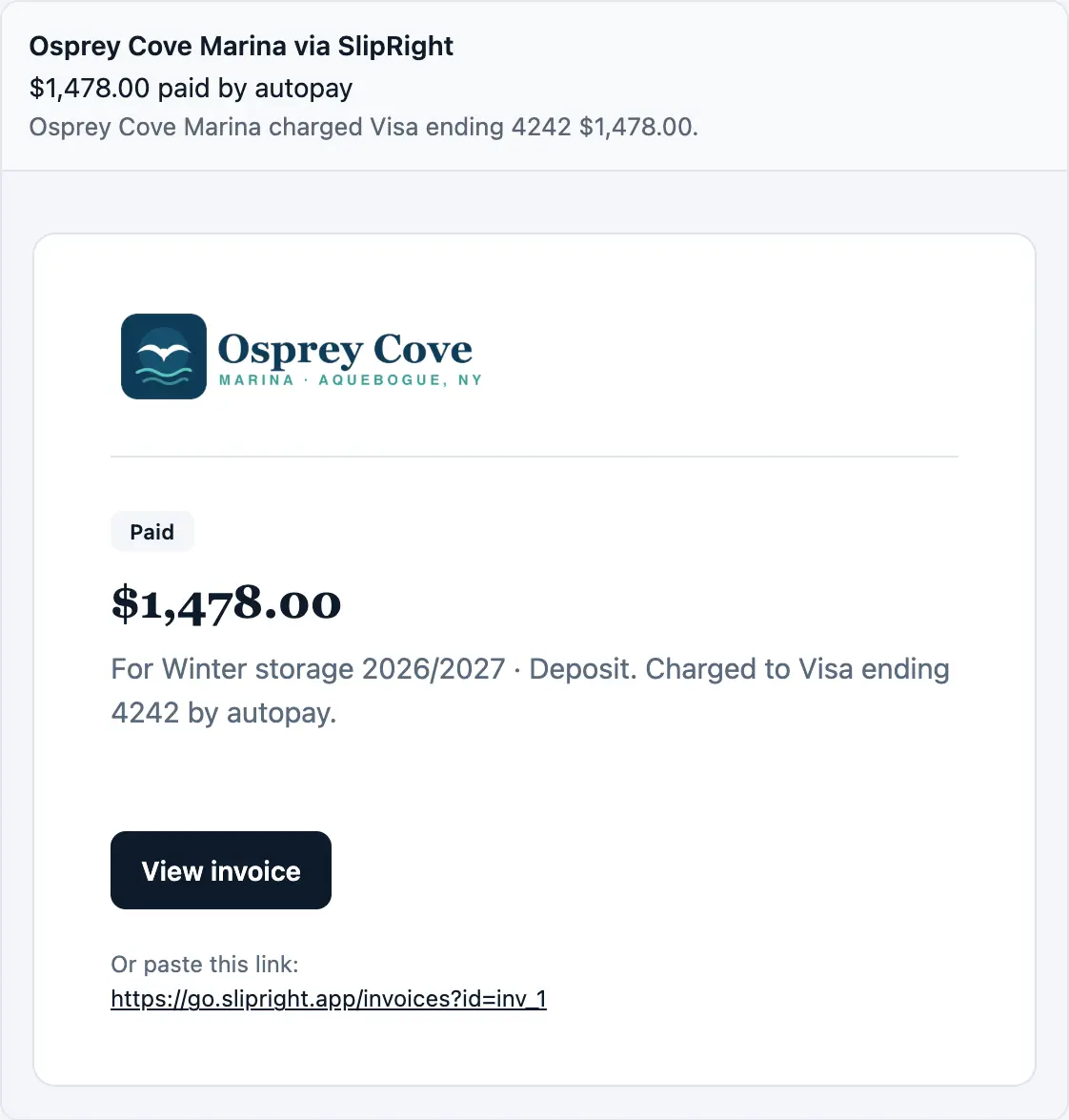
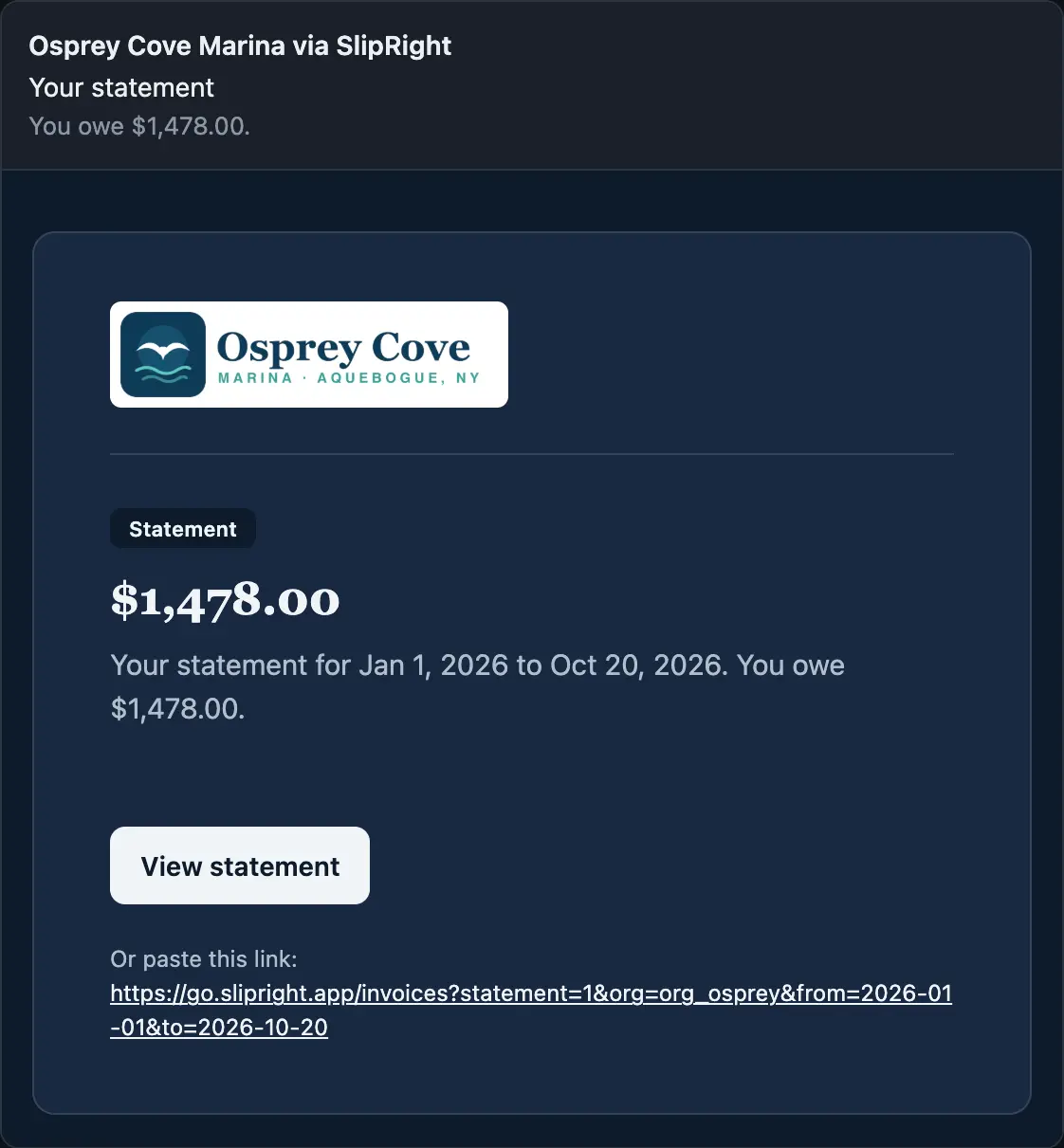
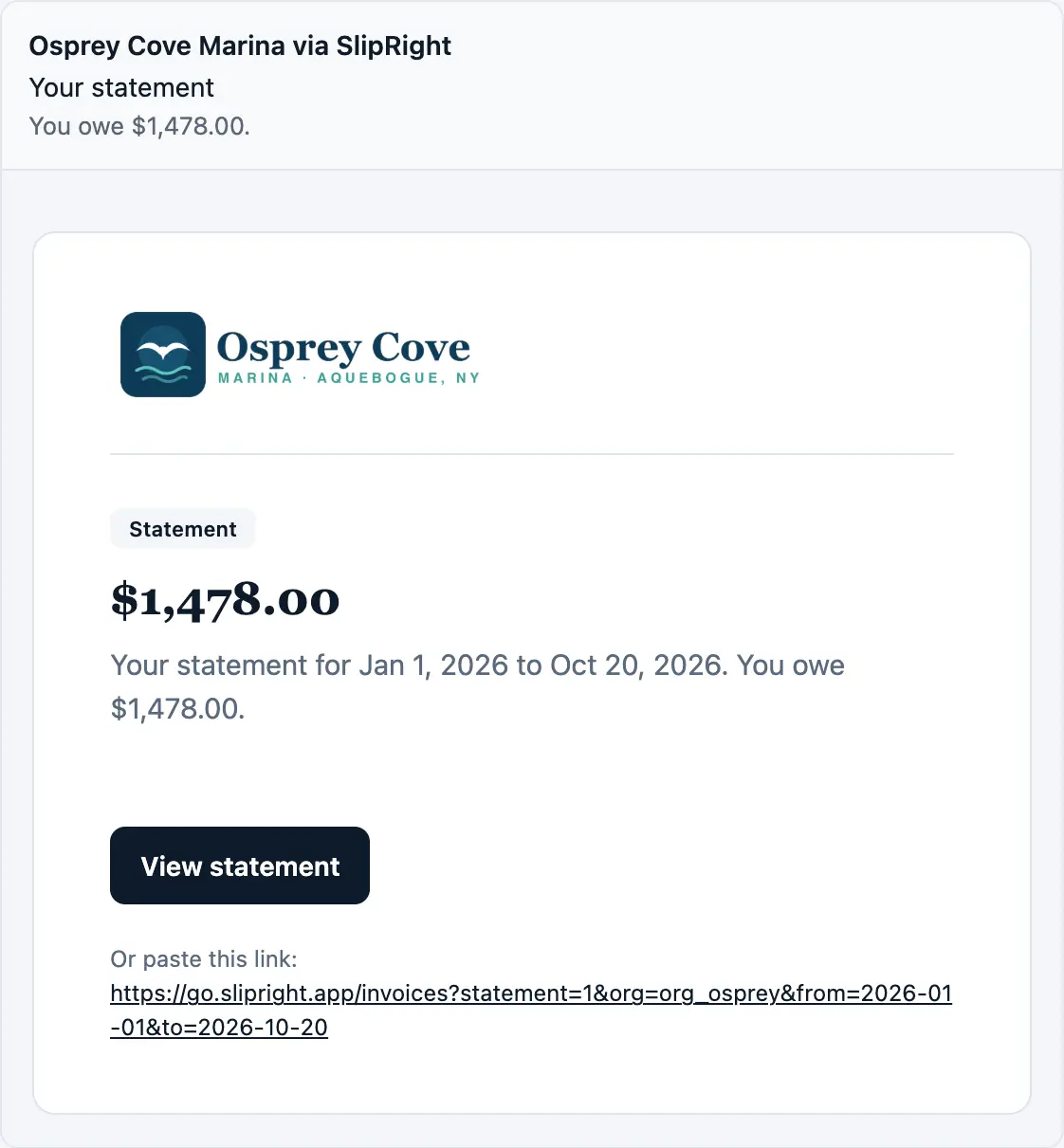
Every invoice has Pay, by card or bank account. A boat owner can keep a card or bank account on file and turn on autopay, and a payment plan can require it, so the January balance charges itself on the due date. Their balance and statement are always there.
Work requests from the dock
Something's wrong with a cleat or the shore power? They describe it, add a photo or a short video from the dock, pick the boat, and send it. The office runs the request on its board, questions and photos stay with the request, and the owner hears when it's resolved. Work orders boat owners send from the dock shows the office's side.
Their haul-out day, and asking to move it
Once the office sends haul-out dates, each owner sees their day on My slip, and Ask to move opens a message to the office with the boat and the day already written. They also get the day by letter and push. Launch day in spring works the same way.
Registration and insurance, uploaded from the phone
When your marina asks for paperwork, owners upload their registration and certificate of insurance from My slip, with the expiry date. When your marina turns on reminders, they hear before a document runs out, and they can change a date or remove a document until the office reviews it.
They hear about it the way they like
Each boat owner picks how they hear about messages, offers, invoices, payments, and requests: email, a push on their phone, or a text. Nothing buzzes overnight; the email still goes, and the notice waits in the app. A push on the lock screen names the marina and what happened, never an amount.
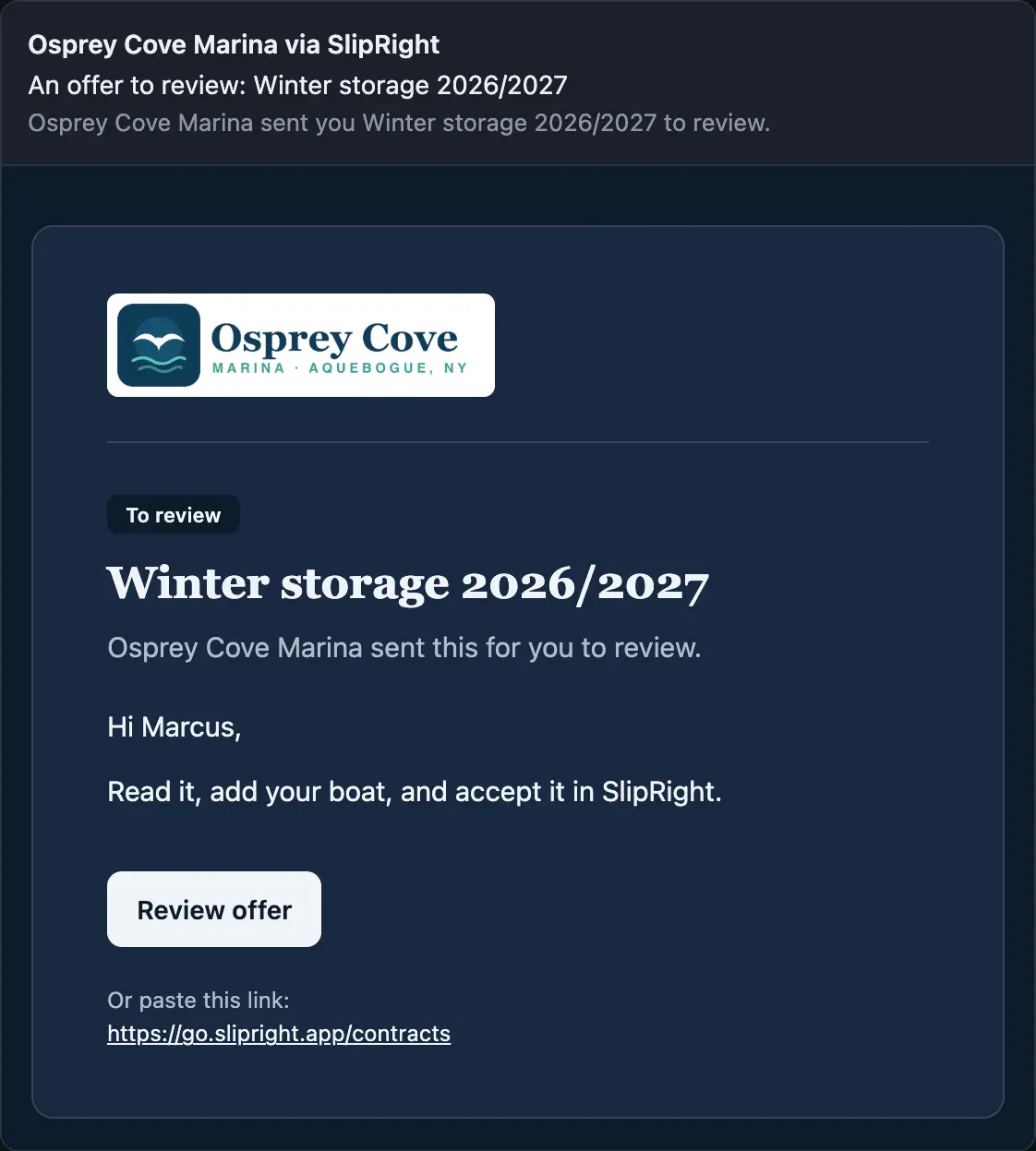
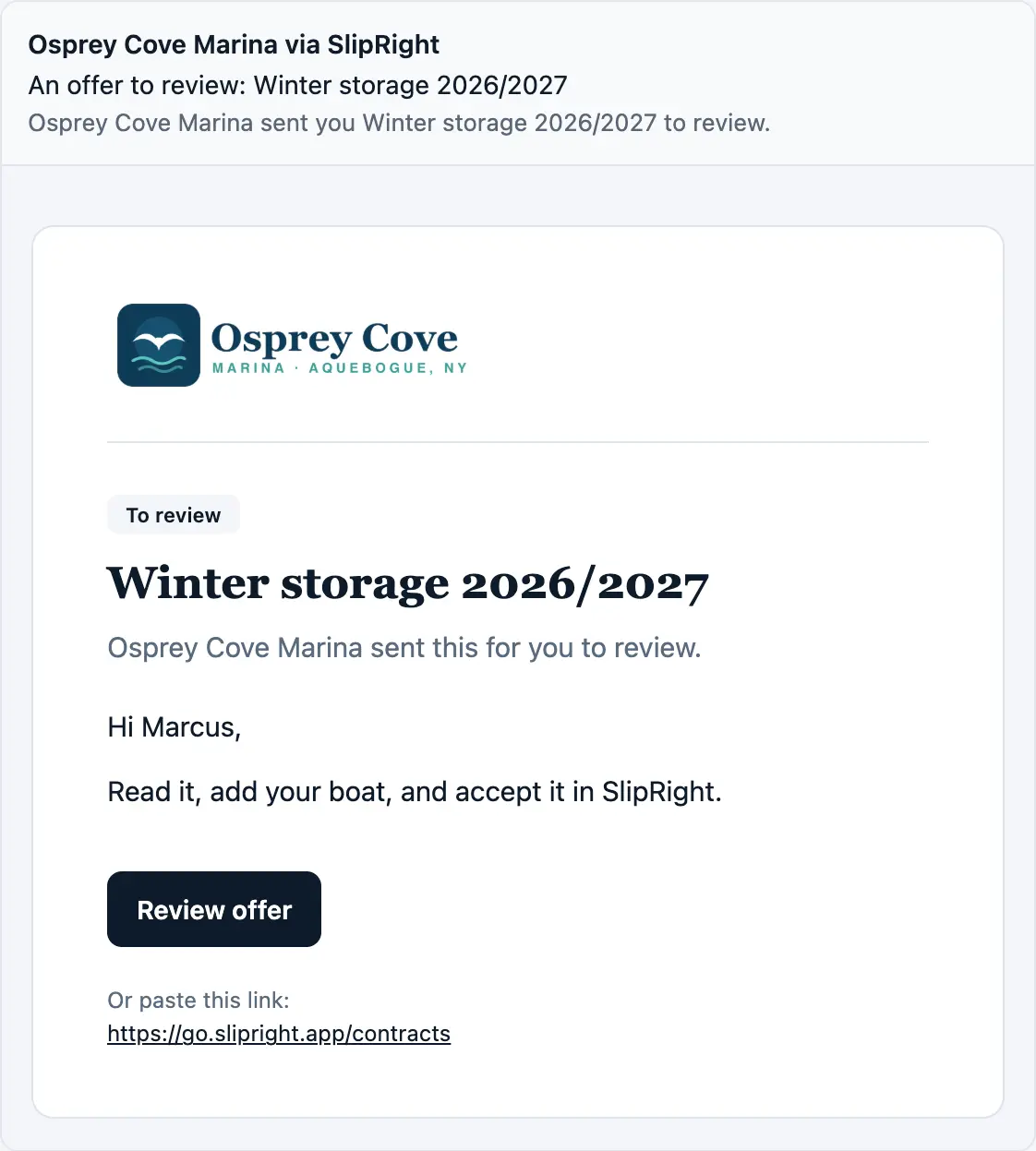
An offer to review: on their phone

Osprey Cove Marinanow
You have an offer to review.
And in their inbox
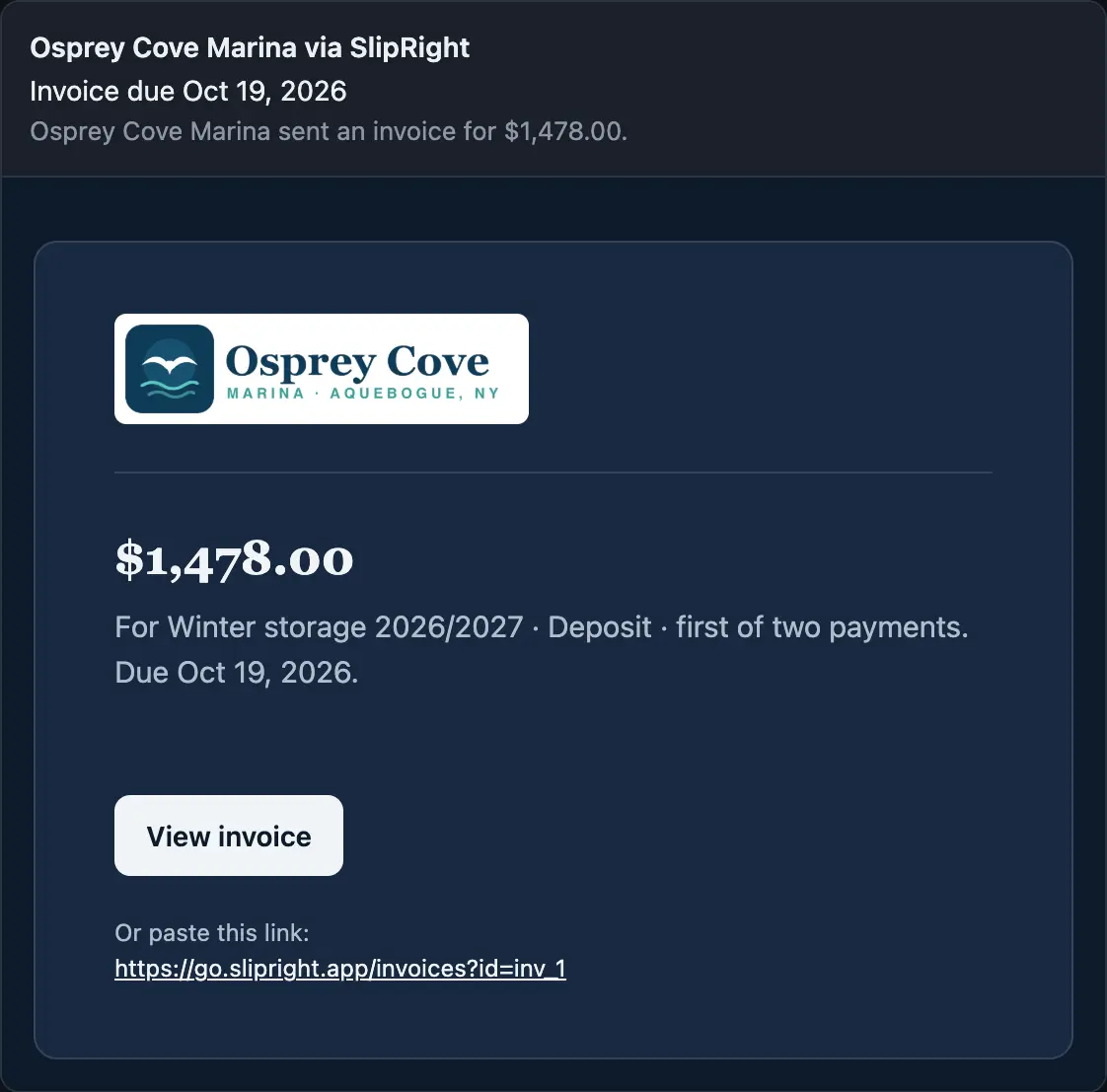
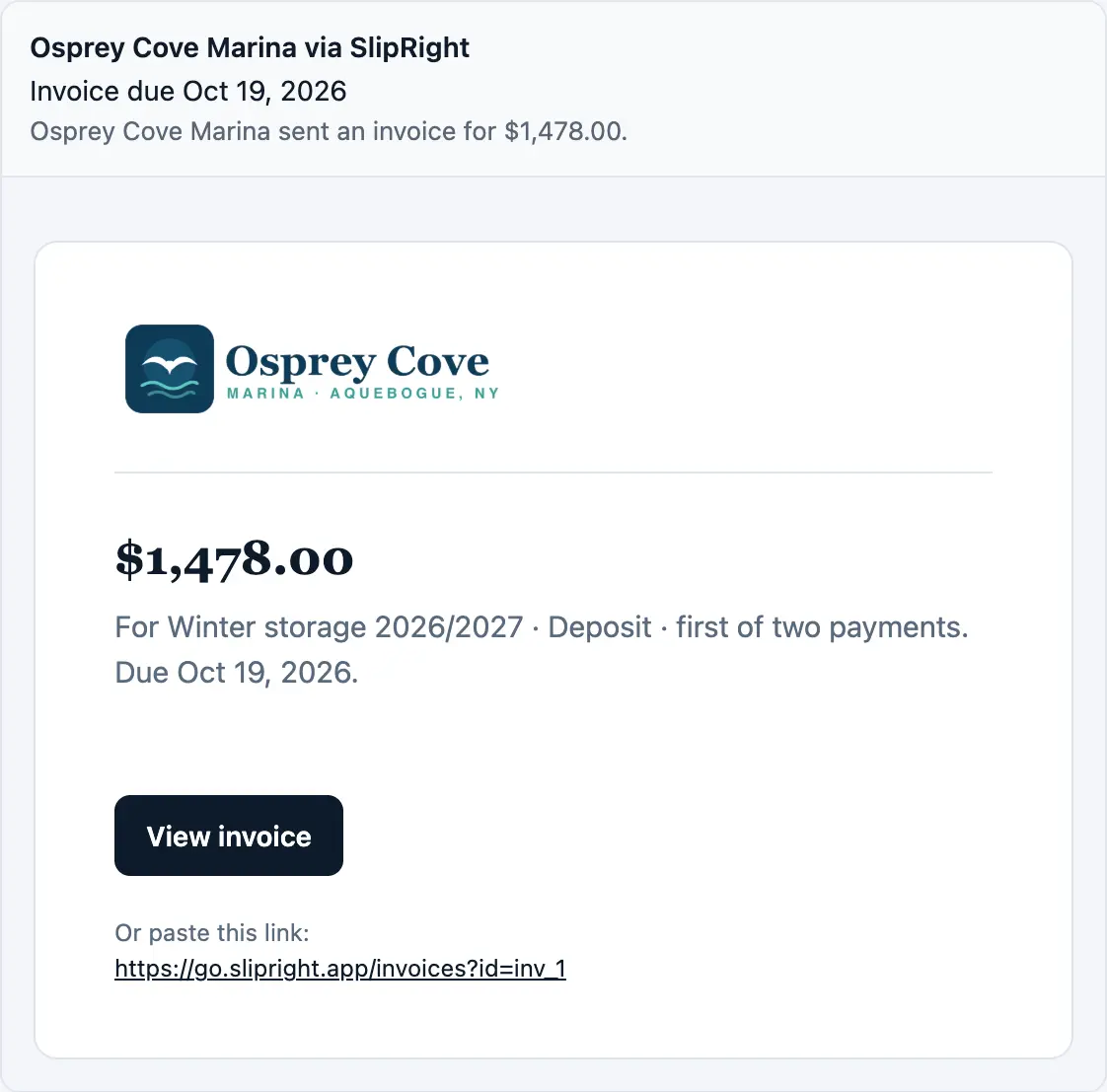
A new invoice: on their phone
Osprey Cove Marinanow
You have a new invoice, due Oct 19, 2026.
And in their inbox
Paid by autopay: on their phone
Osprey Cove Marinanow
Autopay paid your invoice.
And in their inbox
A statement: on their phone
Osprey Cove Marinanow
Your statement is ready.
And in their inbox
A request done: on their phone
Osprey Cove Marinanow
“Loose dock cleat at I-5” is resolved.
And in their inbox
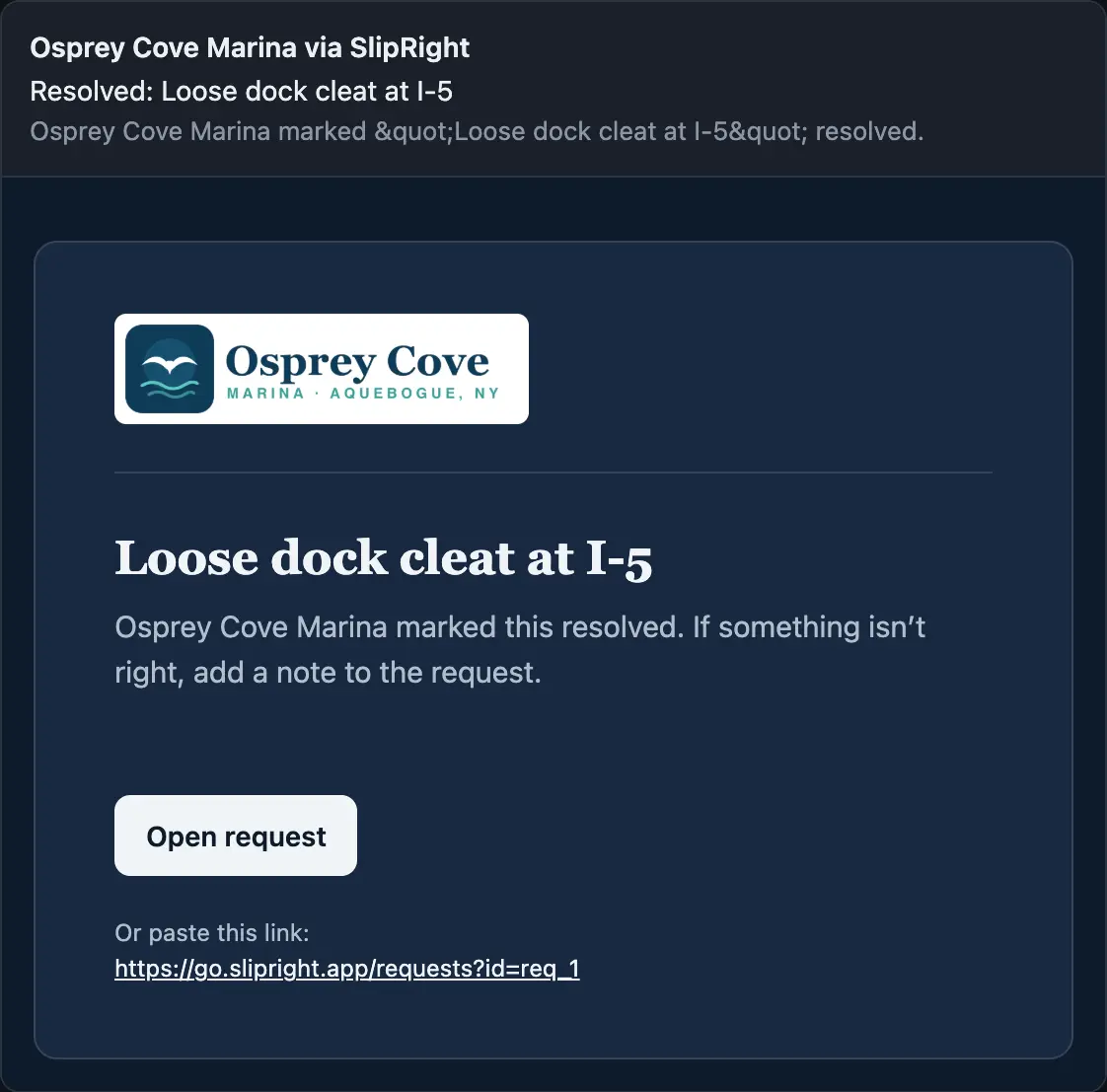
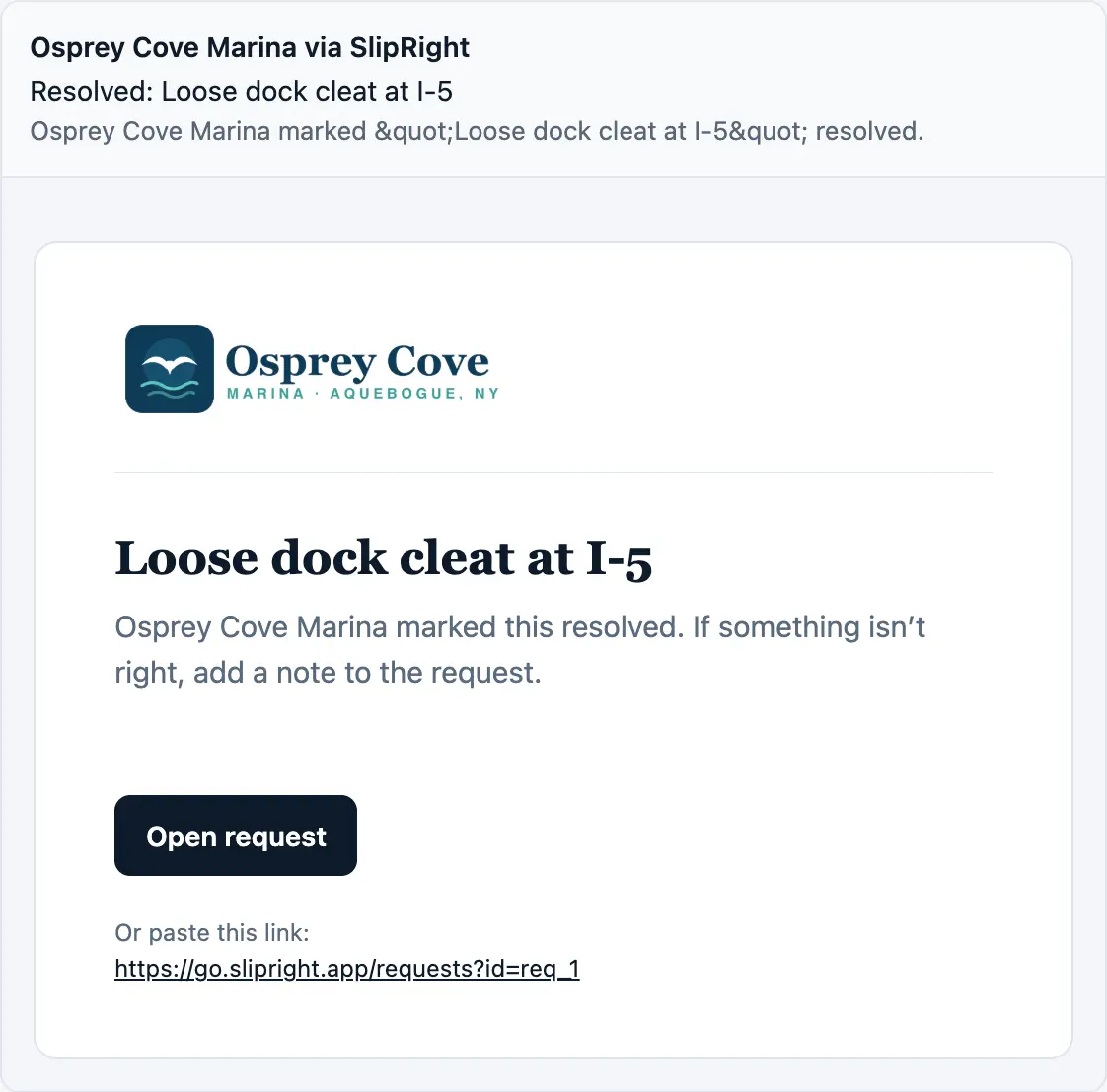
Marina news: on their phone
Osprey Cove Marinanow
News: Ice is out
And in their inbox
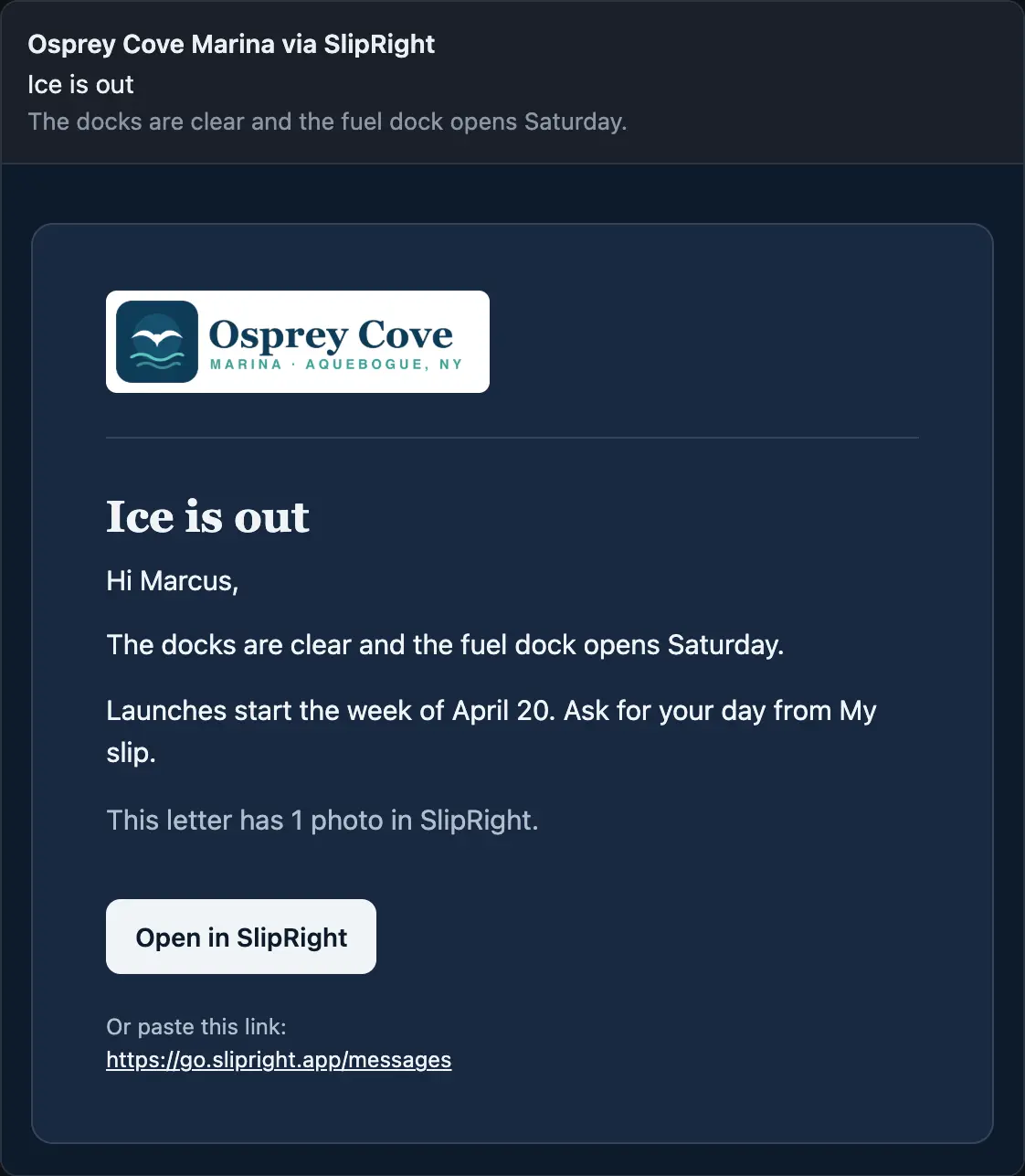
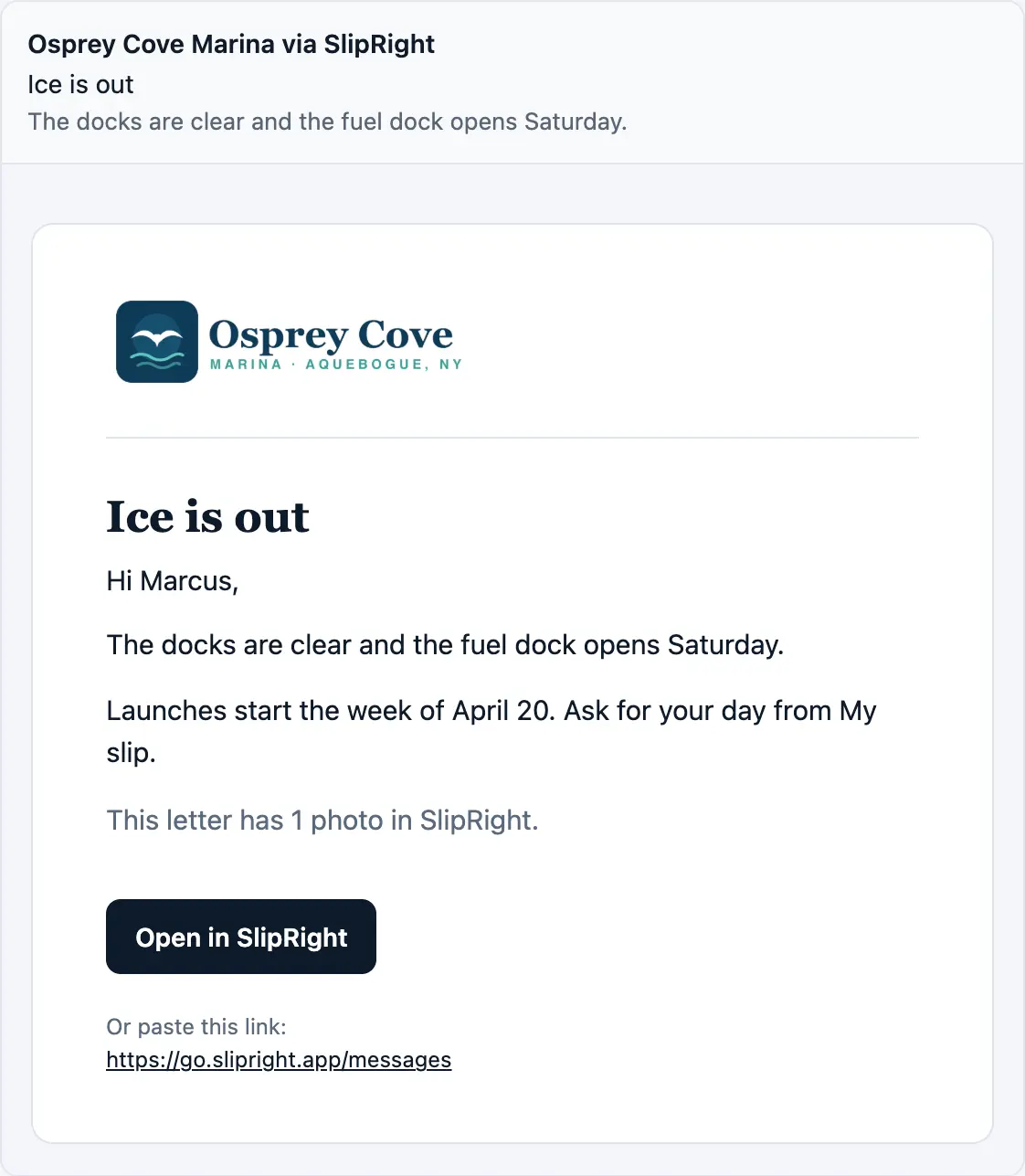
Pick one to see the push and the letter, both in your marina's name.
On any screen, with nothing to set up
My slip runs on iPhone and Android, with Face ID sign-in on an iPhone, and the same portal opens in any browser. Boat owners join from an invite the office sends from their record. They add their own boats and keep their phone number current, so the office stops typing them in, and what they fill in shows on your side right away.
What your boat owners ask for next
My slip grows with what boat owners ask the office for. If yours keep calling about something My slip doesn't show, tell us what they ask.
Sign up or Request a demo. Everything SlipRight does is at slipright.app/features.