Hello, and welcome to everyone who signed up this month.
October was the biggest month SlipRight has had. When it started, a marina could draw its docks, send contracts that boat owners sign from their phone or any browser, take payments online, and run its work requests on one board. By the end of it, a marina could run a whole season on SlipRight, from the renewal offer to the haul-out day. Here's what changed.
For your boat owners
- Autopay. Boat owners can keep a card or bank account on file at your marina and turn on autopay, and a payment plan can require it. The January balance pays itself on the due date.
- Notifications by email, push, and text. Each person picks how they hear about messages, offers, invoices, payments, and requests. Pushes and texts stay quiet overnight, and a push on the lock screen never shows an amount.
- Face ID on iPhone. My slip opens with a glance.
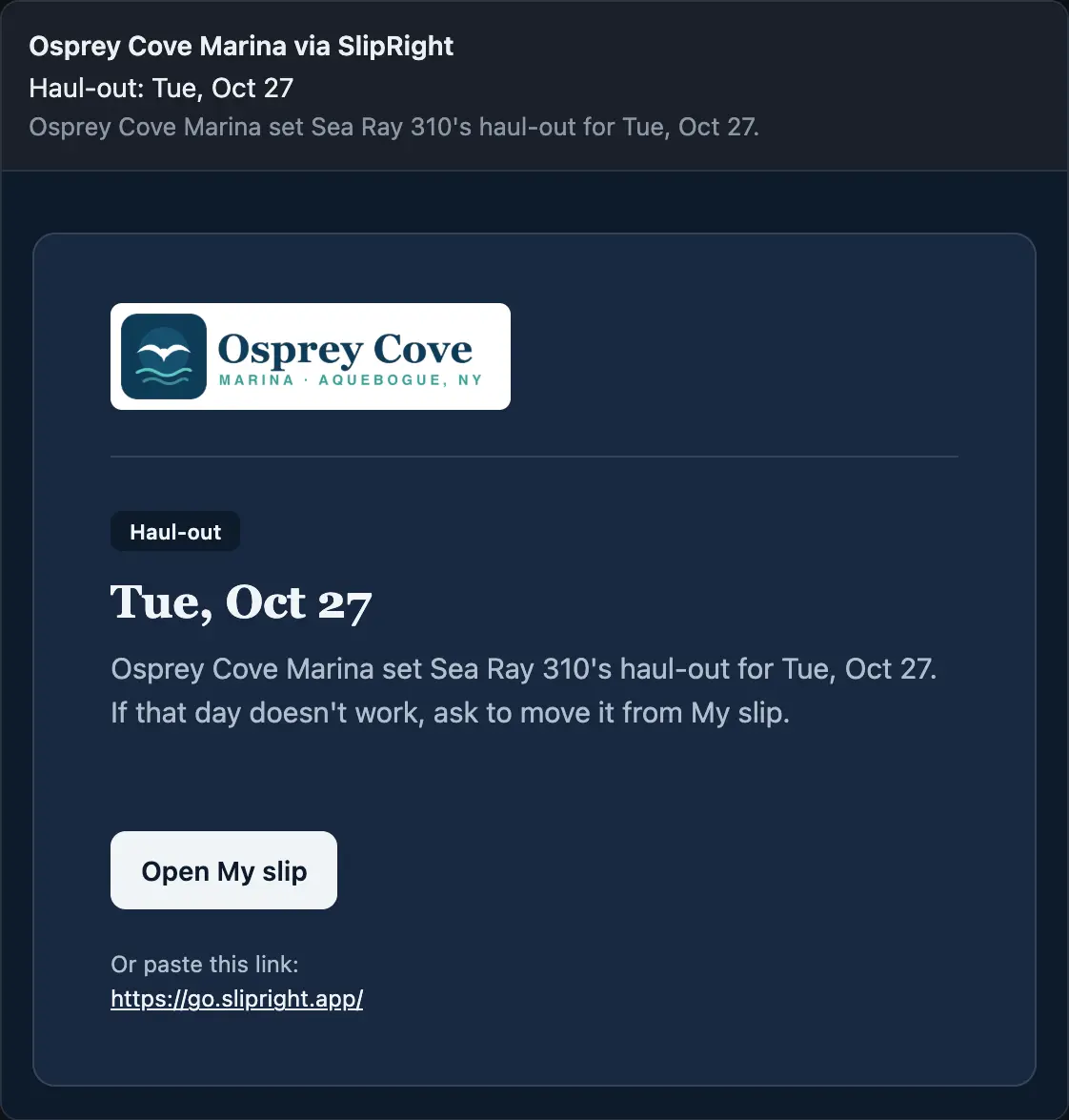
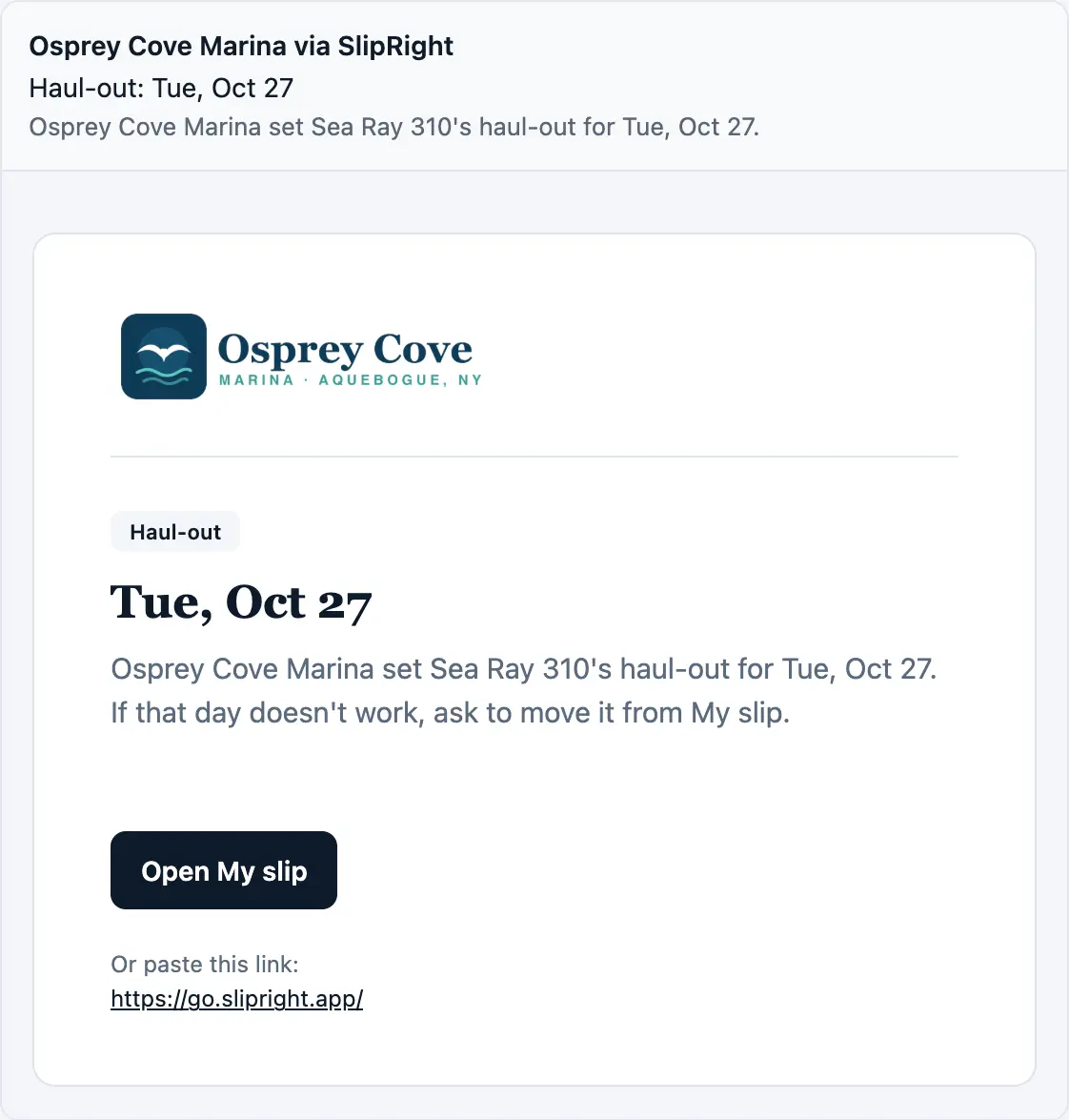
- Their haul-out day, on their phone. Once you send dates, each owner sees their day on My slip and can ask to move it with the boat and the day already written.
- Paperwork reminders. Boat owners hear before their registration or insurance runs out, and upload the new one from My slip.
- One login, every marina. A boat owner at two marinas sees both in one place, with each marina's logo at the top.
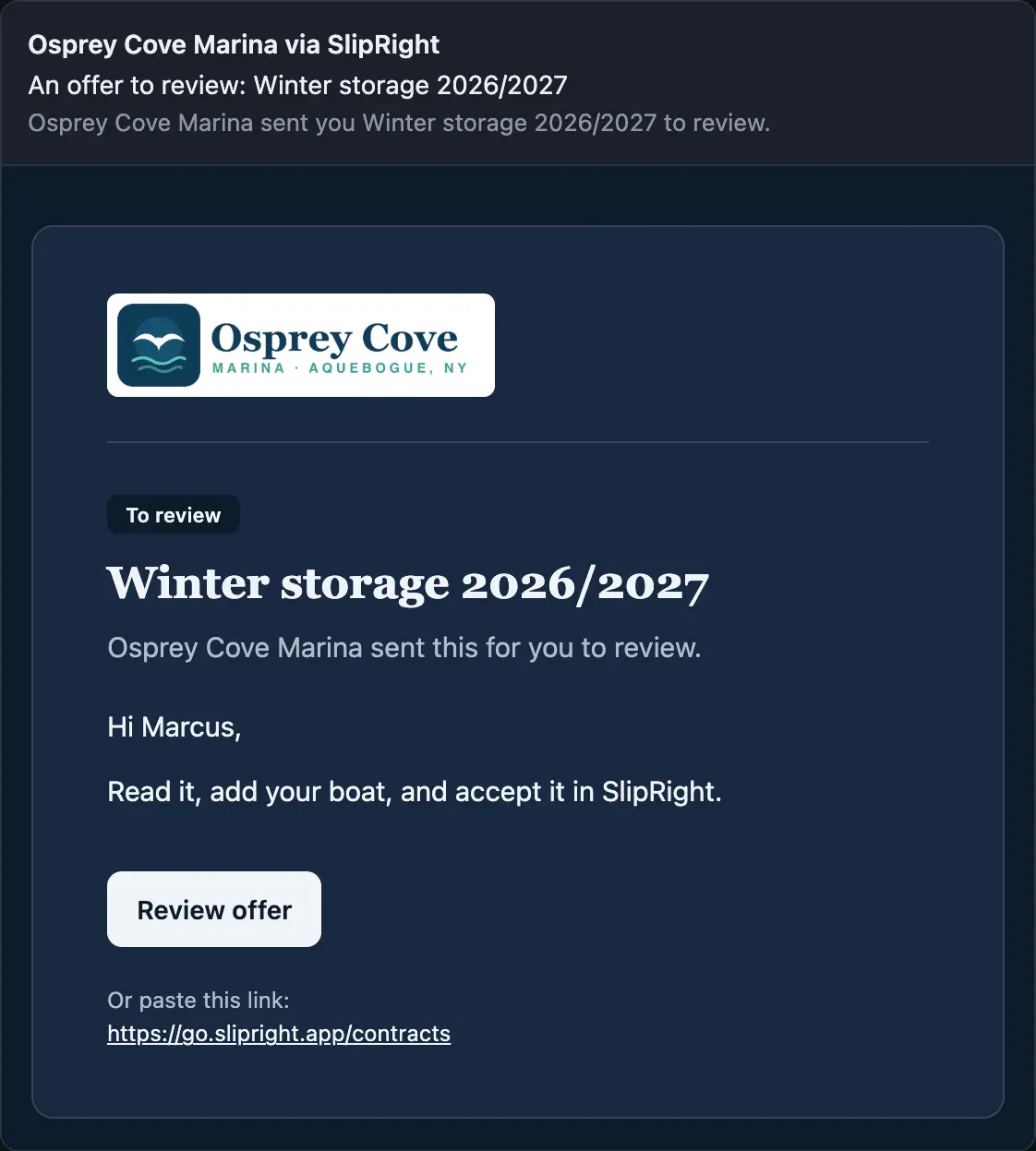
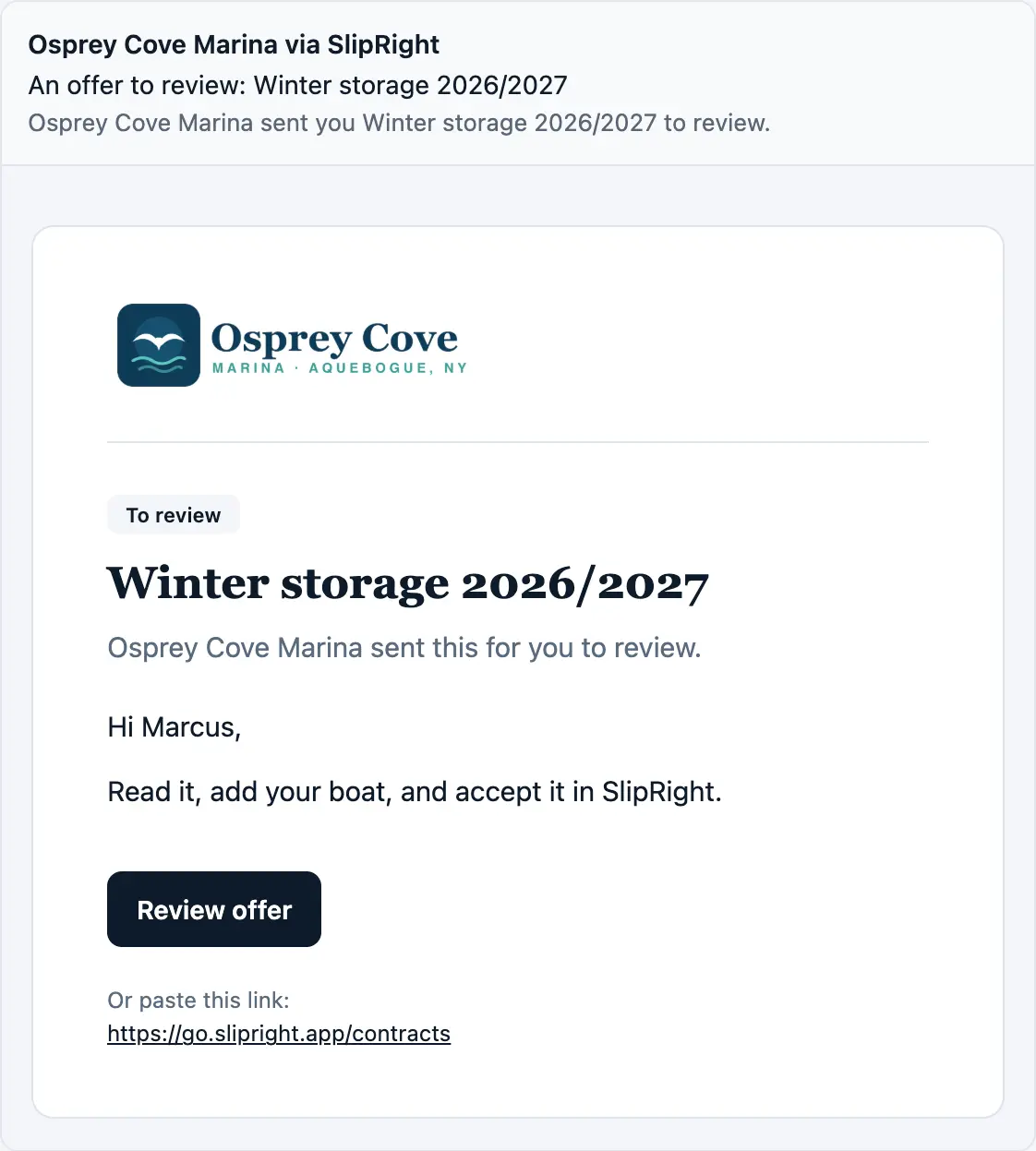
An offer to review: on their phone

Osprey Cove Marinanow
You have an offer to review.
And in their inbox
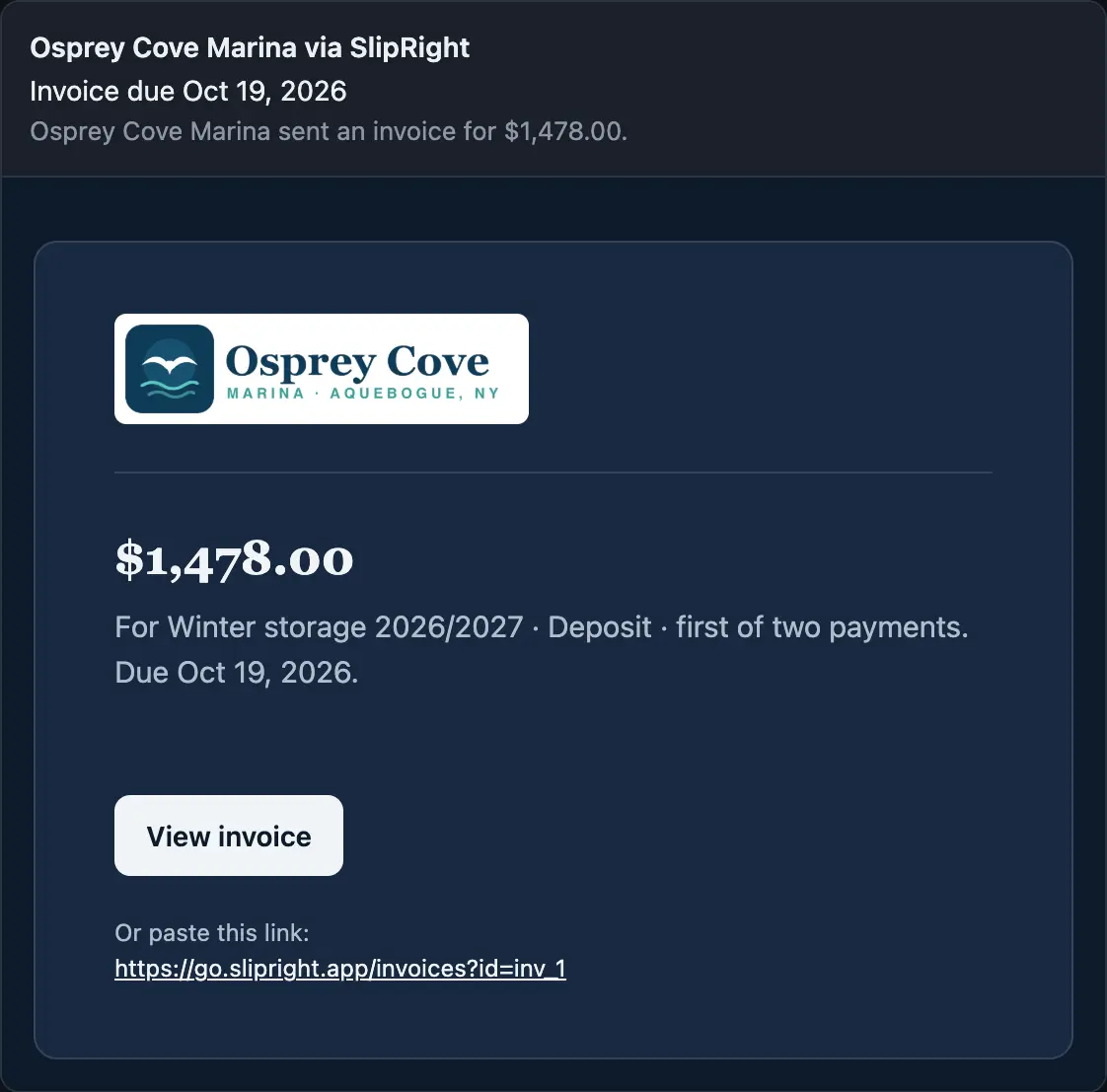
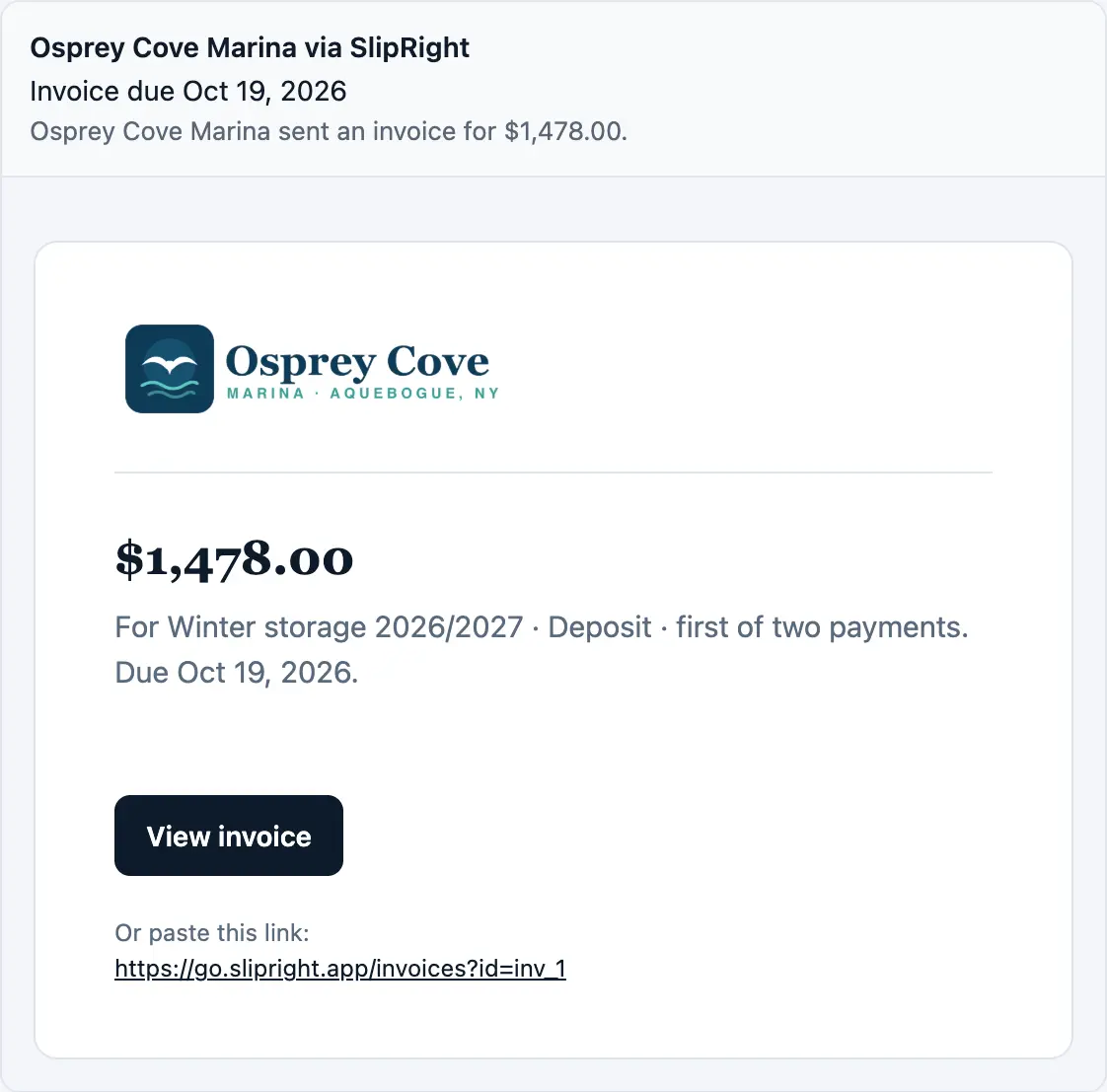
A new invoice: on their phone
Osprey Cove Marinanow
You have a new invoice, due Oct 19, 2026.
And in their inbox
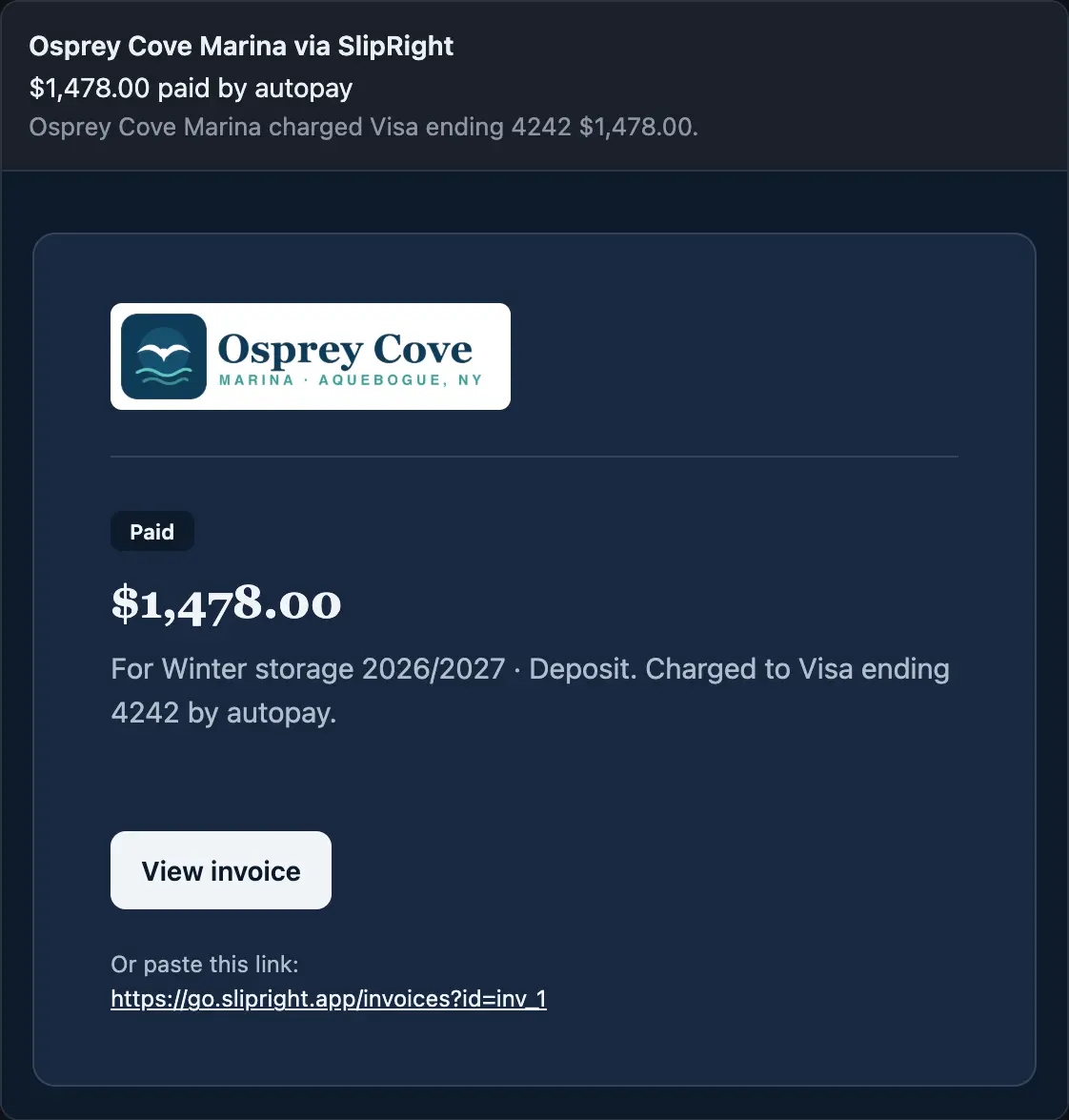
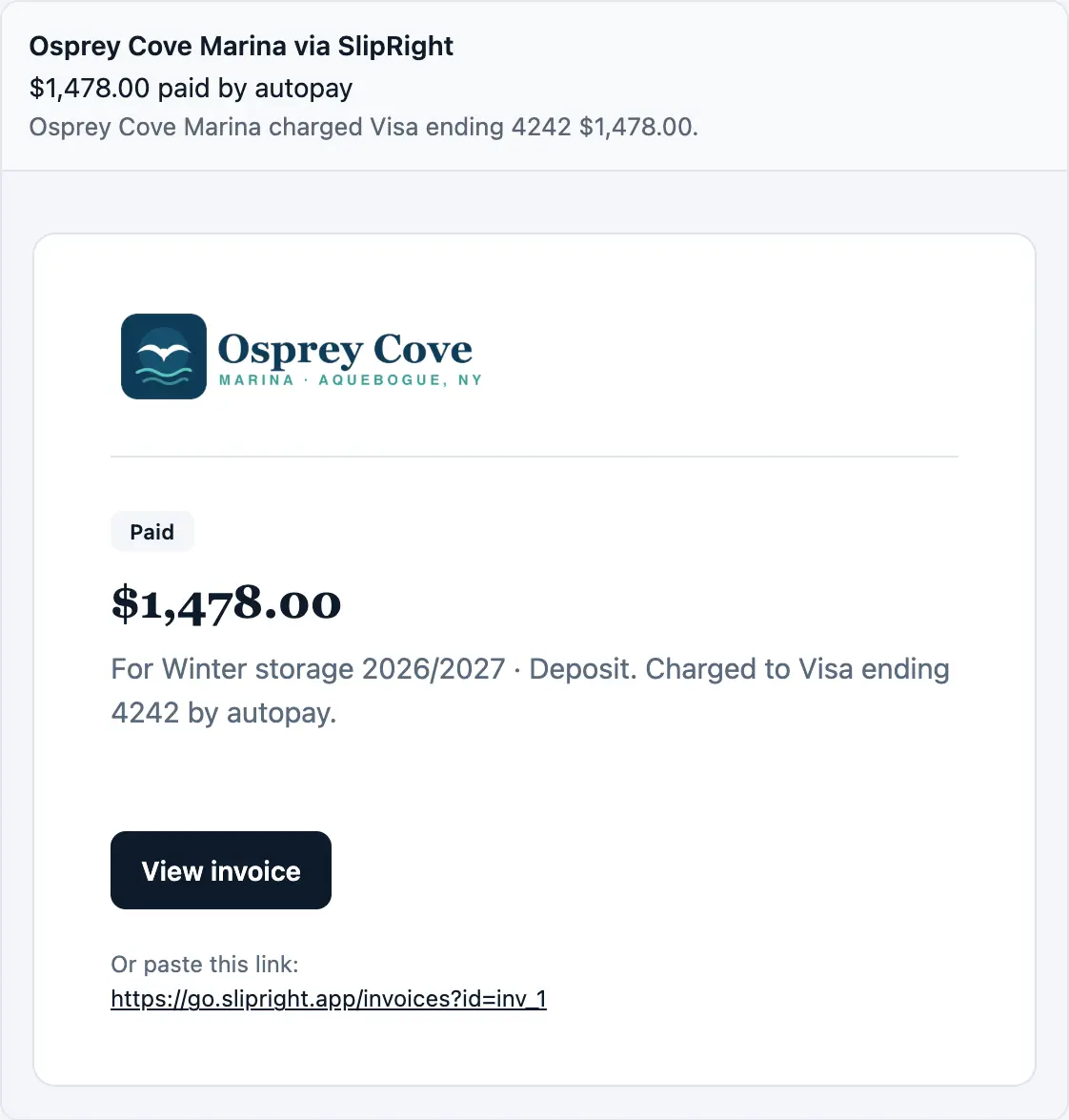
Paid by autopay: on their phone
Osprey Cove Marinanow
Autopay paid your invoice.
And in their inbox
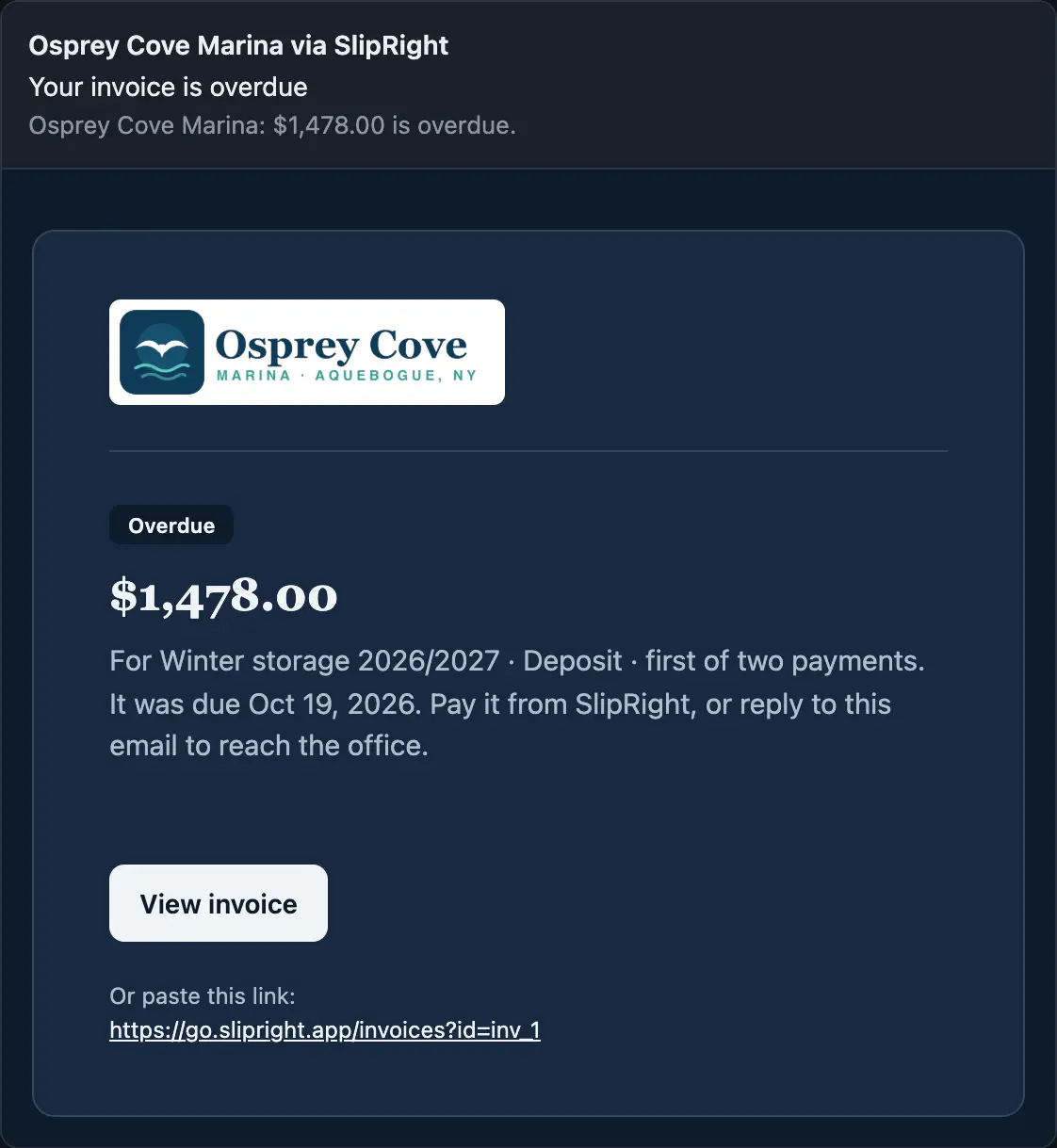
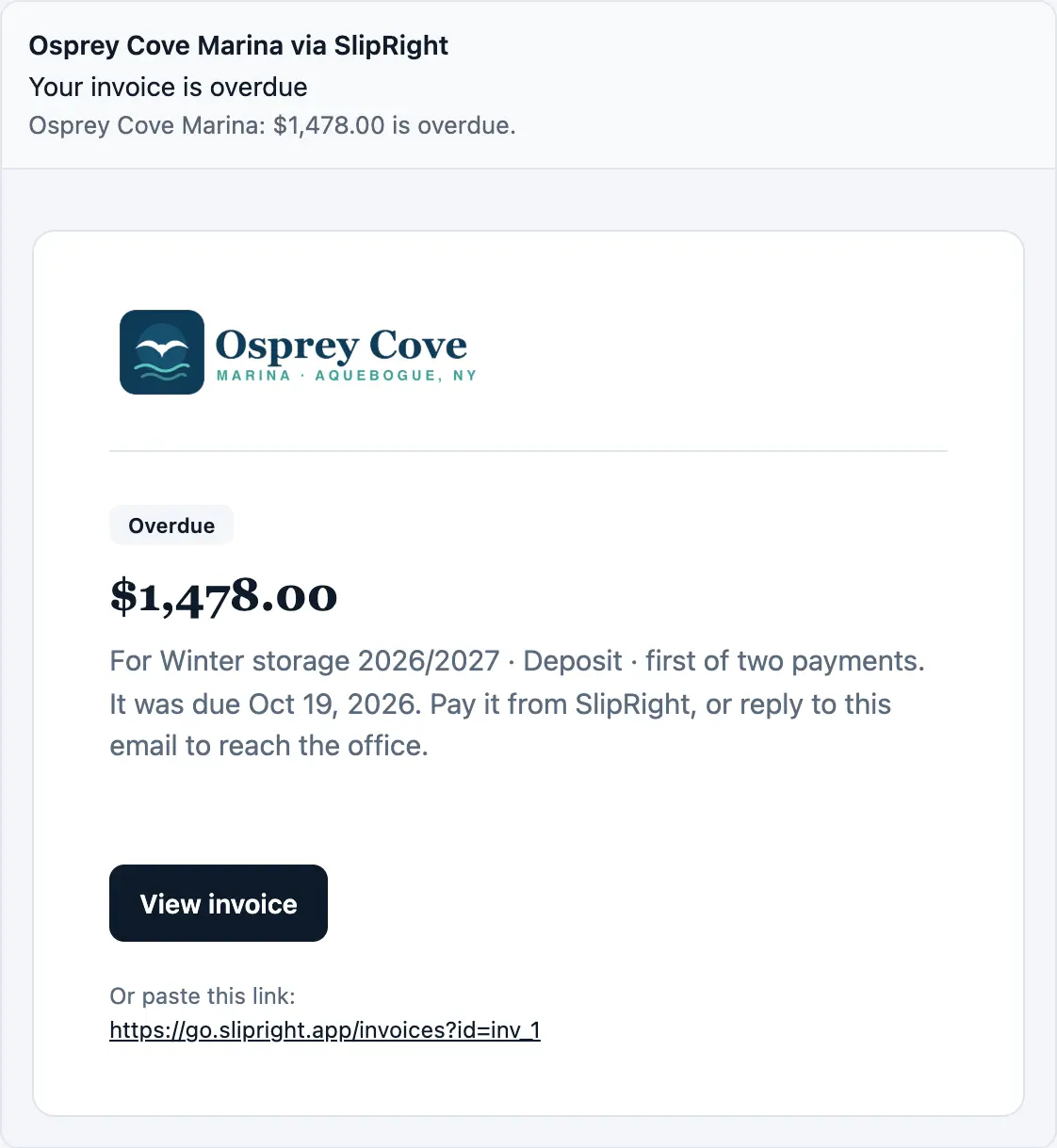
An overdue invoice: on their phone
Osprey Cove Marinanow
An invoice is overdue.
And in their inbox
Their haul-out day: on their phone
Osprey Cove Marinanow
Haul-out: Tue, Oct 27 for Sea Ray 310.
And in their inbox
A request done: on their phone
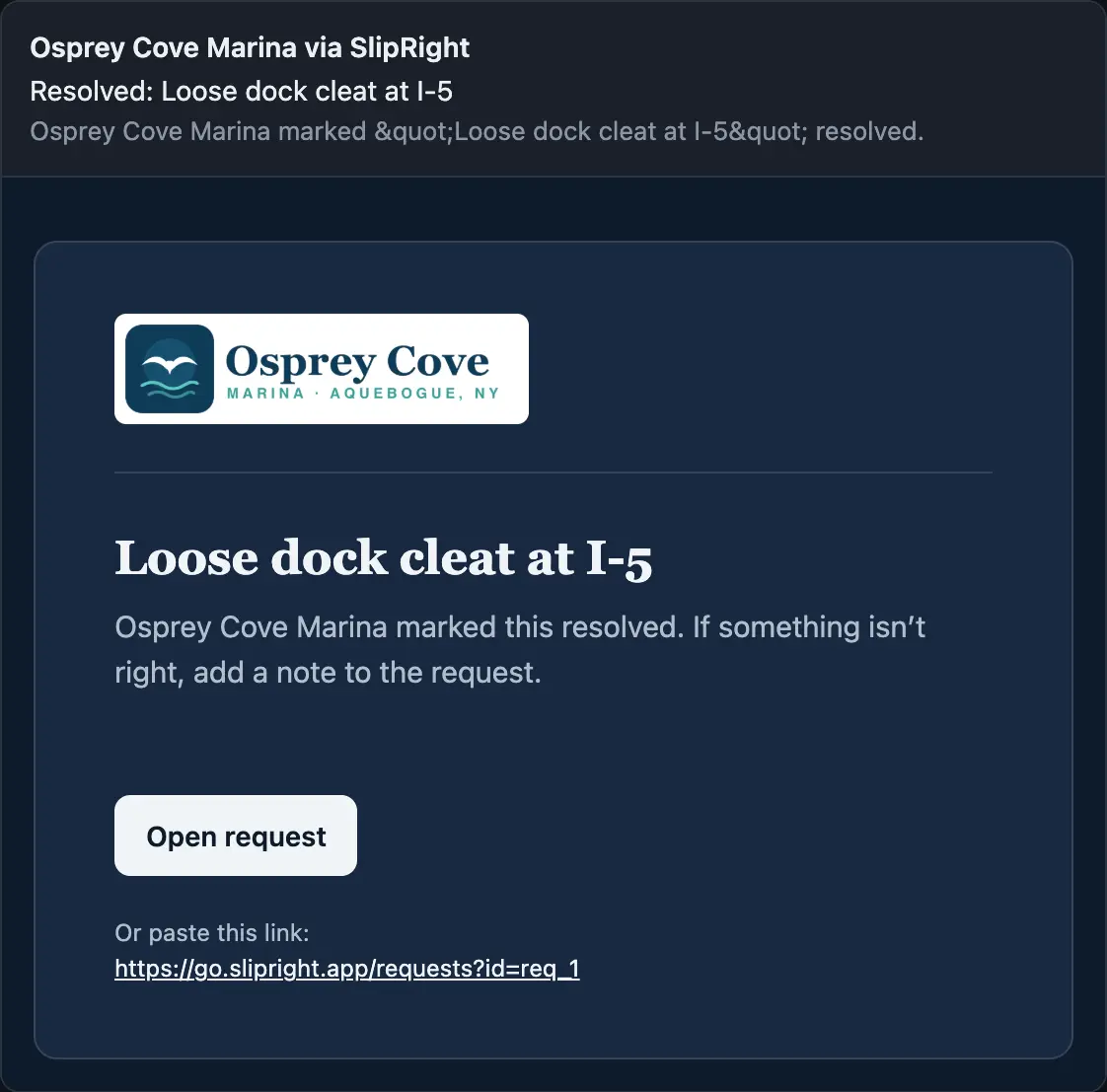
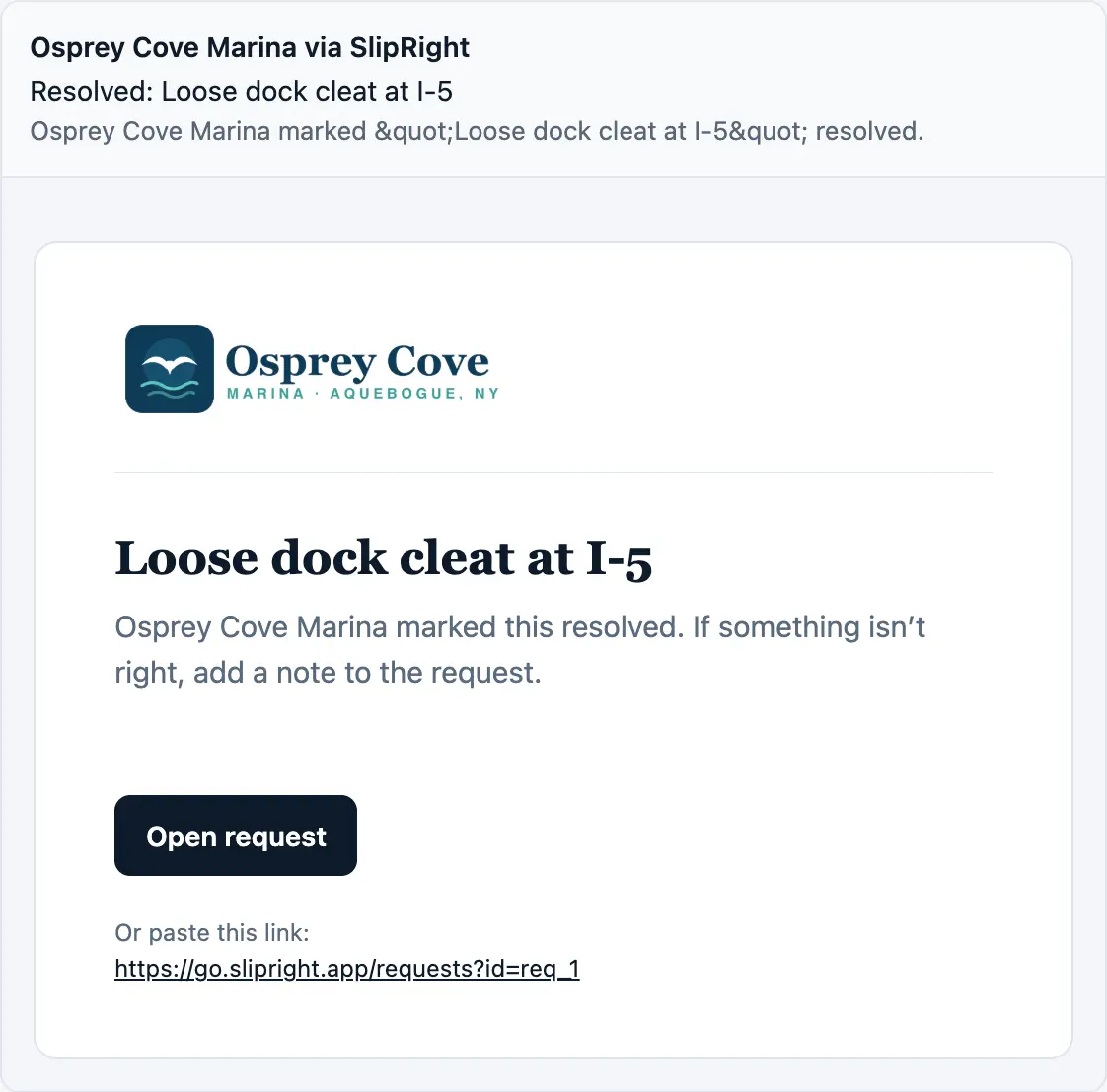
Osprey Cove Marinanow
“Loose dock cleat at I-5” is resolved.
And in their inbox
Pick one to see the push on their phone and the letter in their inbox, both in your marina's name.
The yard and the calendar
- Your docks drafted from an aerial photo. Type the marina's address and SlipRight drafts your docks and slips, finding the slips from the boats tied up in them, then numbers every dock in one go.
- A haul-out and launch calendar. Every accepted winter offer comes in with the week its owner asked for. Fill the week hands each boat a working day, and Send dates tells every owner theirs.
- A winter yard, planned for you. Draw the yard over the aerial photo, and Suggest layout places every winter boat in launch order, so the first to launch is never blocked in. You see the plan on the map before anything is saved.
- Transient stays. Mark a slip Transient and book stays on it by the night, on a two-week calendar and the same map as your seasonal boats. SlipRight refuses a double booking.
- A waitlist. Add people waiting for a slip, keep them in the order they joined, and import the list you keep today.
Your marina's own page
Turn on a page at slipright.app/m/your-marina where anyone can ask for a summer slip, winter storage, a stay, or work on a boat, and paste one line to put the same form on your own website. A stay request checks for room for that boat on those nights. Requests land in an Inquiries inbox, and each becomes a waitlist entry, a stay, a request, or an offer.
Paperwork, tracked
Settings → Paperwork says what every boat needs, what the insurance must show, and when to remind owners. The Paperwork page lists every boat worst first, and one export gives your insurer every boat with its status and dates. Here's how a missing registration becomes a current one.
1. You ask. Ask for paperwork sends one letter, in your marina's name, to everyone whose registration or insurance is missing or expired, with your note at the top.
2. They see what's missing. On My slip, each boat shows its registration and insurance, and what's missing has a button to add it.
3. They add it from their phone. They pick the file, type the date it expires, and add it. It reads Needs review until you look.
4. You check it and accept. The boat's drawer shows the new document with Accept and Reject. Accept asks you to check the expiry date against the document.
5. It's current. The boat reads Current on both sides, and reminders take it from there.
Around the office
- Marina news. Send one letter to the whole marina, one dock, the winter yard, or a few customers, under your marina's name and logo.
- A Dashboard that starts things. Start a customer, a message, a request, or an invoice right from the Dashboard, and see what you collected this month, what's outstanding, new requests, and new inquiries at a glance.
- A user guide, built in. Help has a short guide for every part of the office, from getting started to billing, searchable from one box.
For the money
- Overdue and late fees. SlipRight marks a late invoice Overdue on its own and mails the owner once. Late fees are off, a flat amount, or a percent after the days of grace you choose, and you can waive one.
- Refunds, credits, and statements. Refund to the card or bank account, record a refund by check, or give credit. Every customer has a balance and a statement, in the office and on their phone.
- Reports. Occupancy by month, who owes by how late, revenue by season, and renewals outstanding, each a CSV.
- The books. Export every invoice and payment, and hand your accountant a QuickBooks journal that balances.
For moving over
- Import with a dry run. Bring in your slips with who is in each, customers with all their boats, inventory, and opening balances. SlipRight marks every row before anything is written, and Undo takes a whole import back.
- Export your records back out. Slips, customers and boats, and inventory leave with the same columns they came in with.
As always, SlipRight takes no cut. You pay Stripe's rate and nothing on top.
Renewal season is coming
Most seasonal marinas send renewal offers between December and February. If you'd like yours to go out from SlipRight this year, we'll move your customers, their boats, and who is in which slip for you, free, before then. Sign up, or Request a demo and we'll drop you a line.
Tell us what's next
Late fees and saved cards both started with a marina asking for them. If there's something you'd like SlipRight to do, reply to this letter, or write to hello@slipright.app. We read every one.
Thanks for reading.
From both of us at SlipRight